1. Log in as an administrator and install the NINJIO Phish Reporter from the Google Workspace Marketplace.
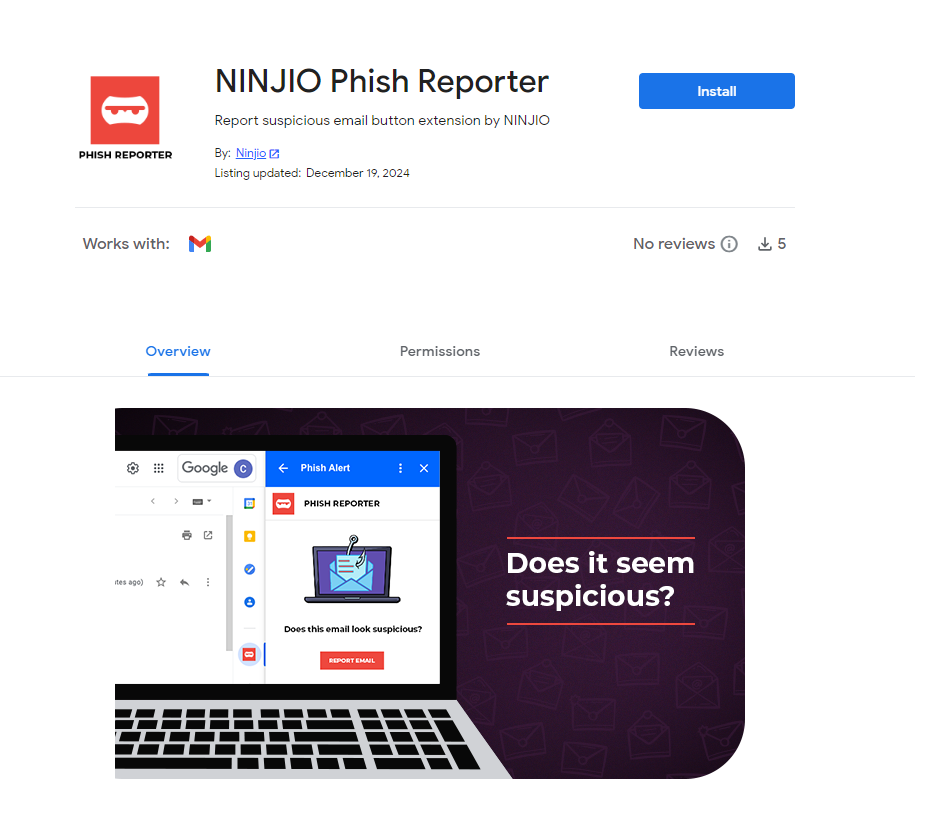
2. A prompt will indicate the button may take up to 24 hours to appear. Click Continue.
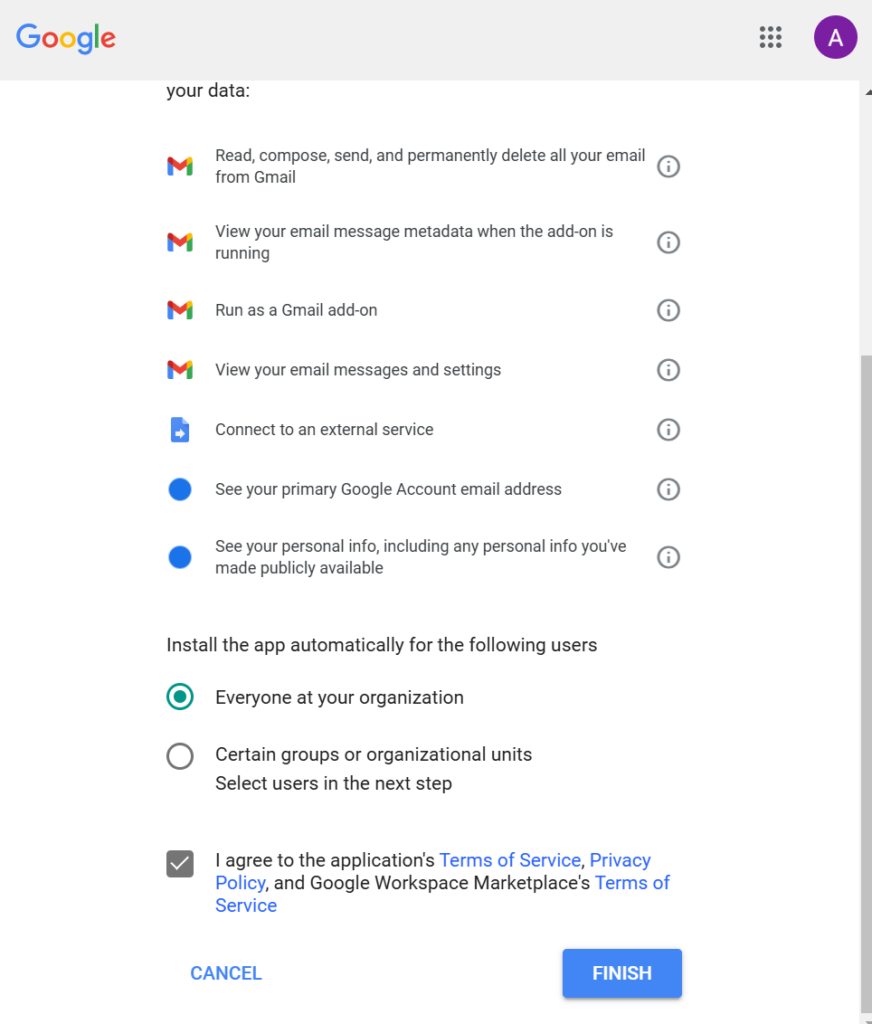
3. Choose the users/groups to receive the button, or select Everyone at your organization for all users. Accept the terms of service and click Finish.
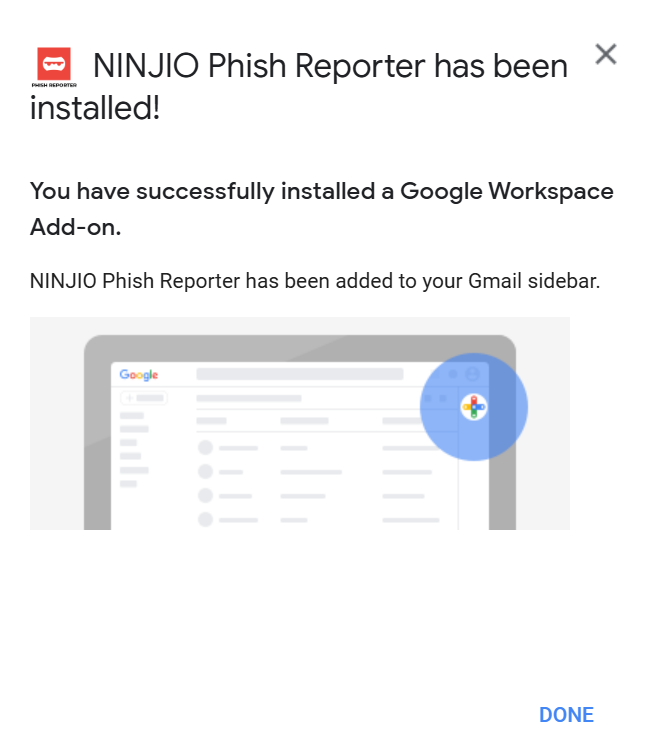
4. A prompt will show where users can find the button. For questions, contact support@ninjio.com.
PHISH ALERT Admin Guide
If you have any questions, please reach out to support@ninjio.com.
Comments
0 comments
Please sign in to leave a comment.