How to Set Up 2FA within the NINJIO Portal:
This quick guide will show you how to set up 2fA successfully.
Configure 2fa on Your Admin Account:
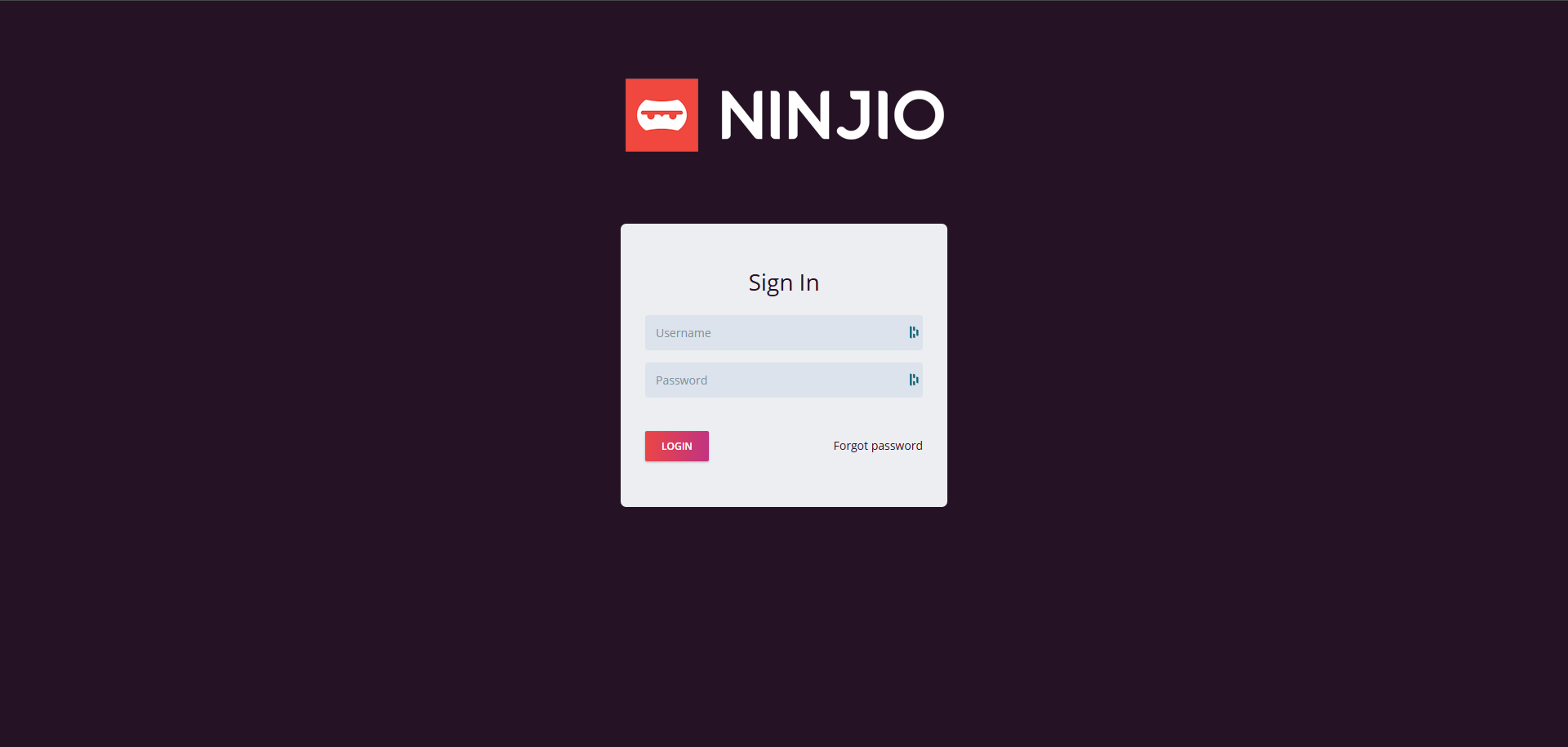
1. Login into https://admin.goninjio.com/ with your credentials.
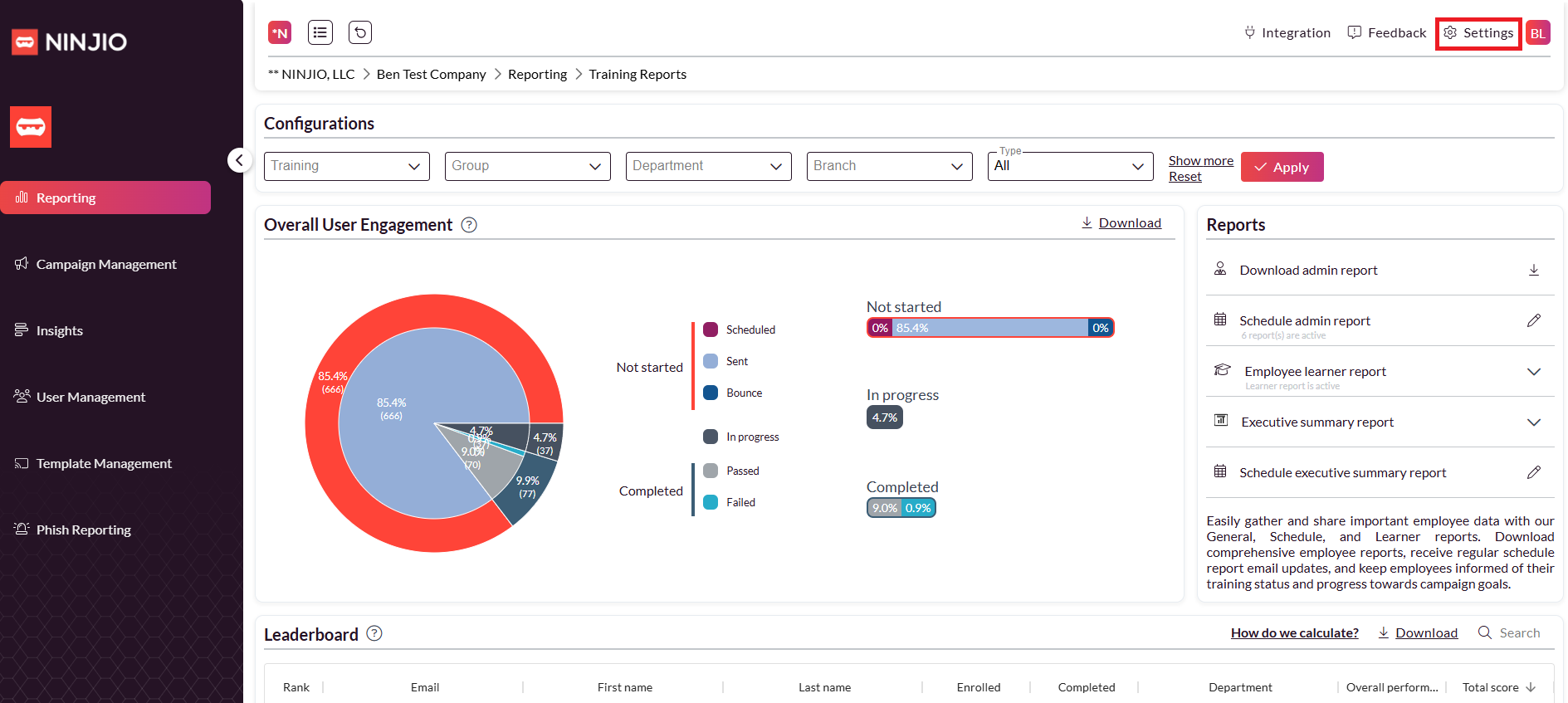
 2. Once you’re within the portal, go to “Settings” in the top right corner.
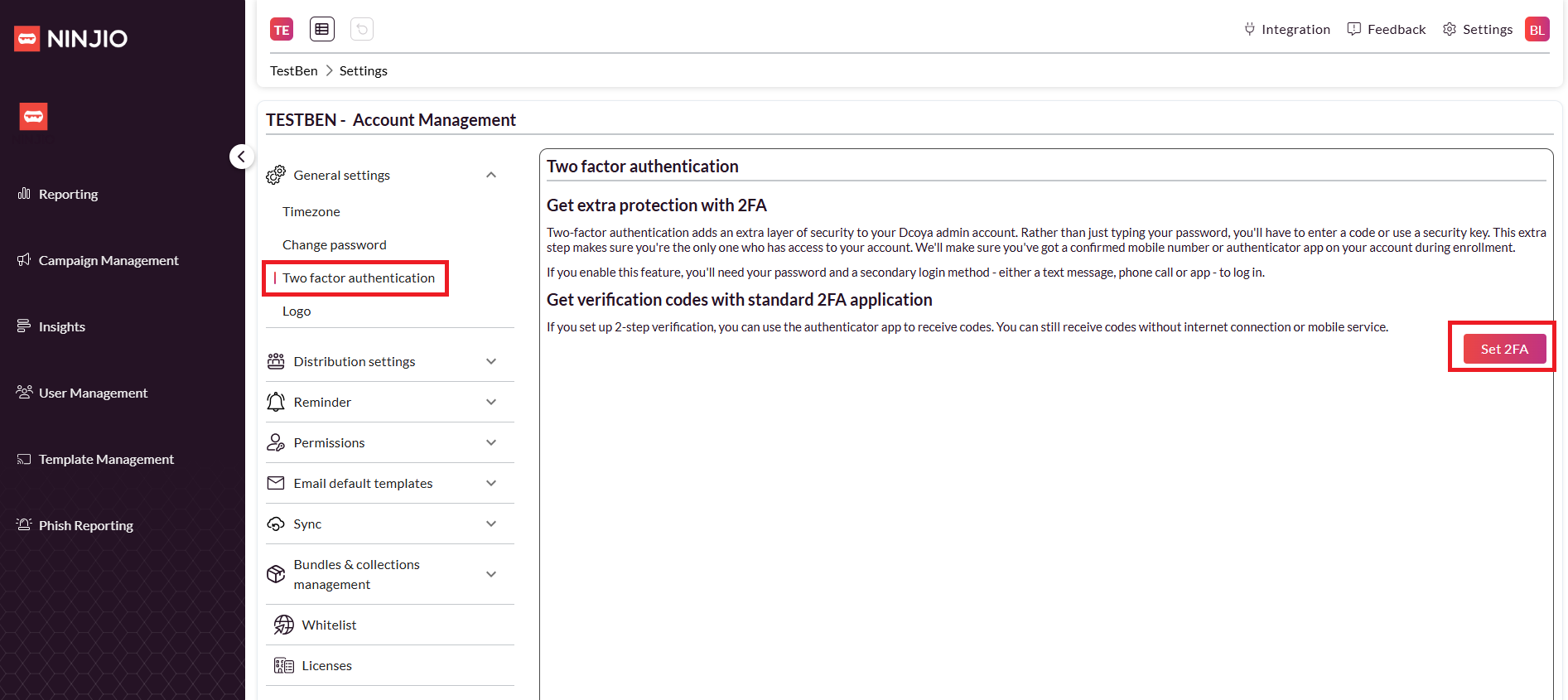
 3. After you’re within the Settings module, click the “General Settings” drop-down and select “Two factor authentication.”
4. Within the same view, select “Set 2FA”
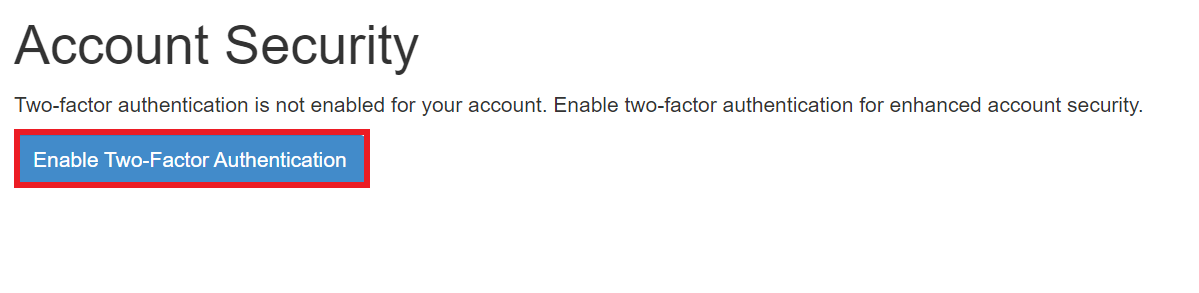
5. In the Account Security page, click the “Enable Two-Factor Authentication” button.
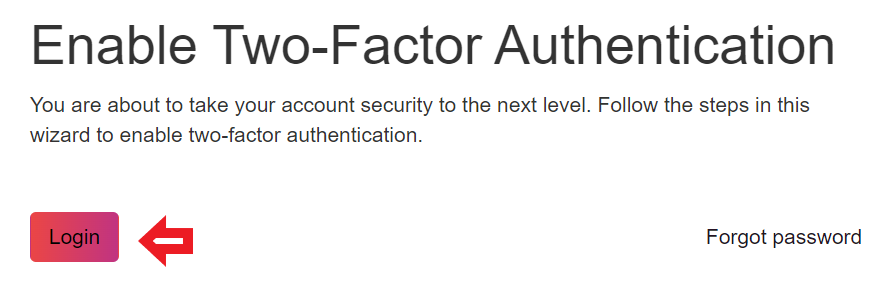
6. On the Enable Two-Factor Authentication page, click the “Login” button.
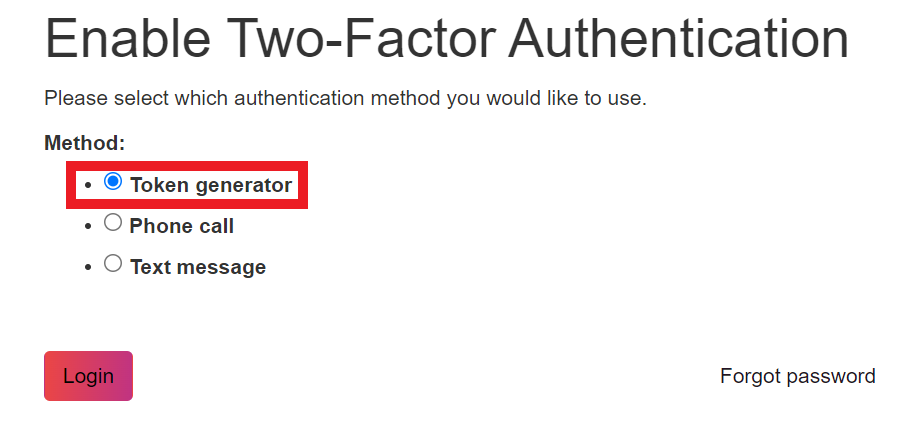
7. Select the “Token Generator” method and click the “Login” button again.
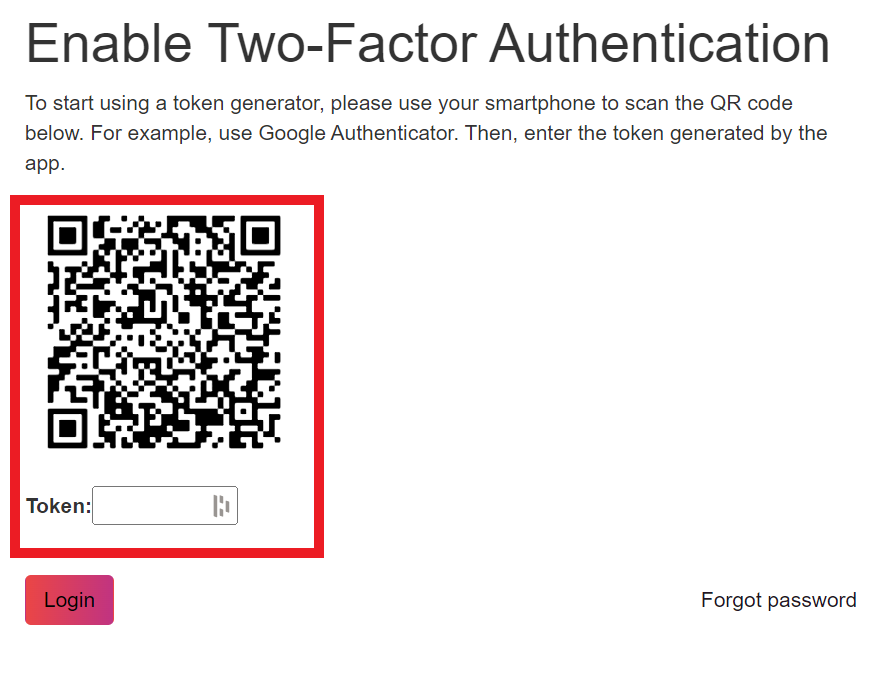
8. Scan the QR Code on an Authenticator App like Google or Microsoft Authenticator and proceed with the “Token generator” setup. Once the app is configured, take the one-time password code and input it in the “Token” field. Click “Login”, once this is complete. NOTE: Token generator is the only option that is currently available. This will only work for Microsoft & Google Authentication Apps.
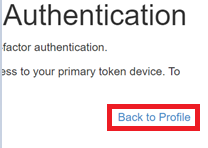
9. Once this has been completed, you have successfully enabled 2fa. You can verify by clicking “Back to Profile” button and logging out of the web page and select “Log in again”
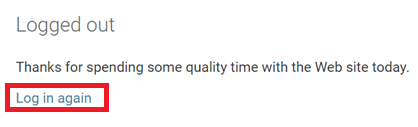 10. After
you’ve made it back to the Portal login page, input your credentials it will prompt you to access the Token Menu. Input the token and hit the “Login” button.
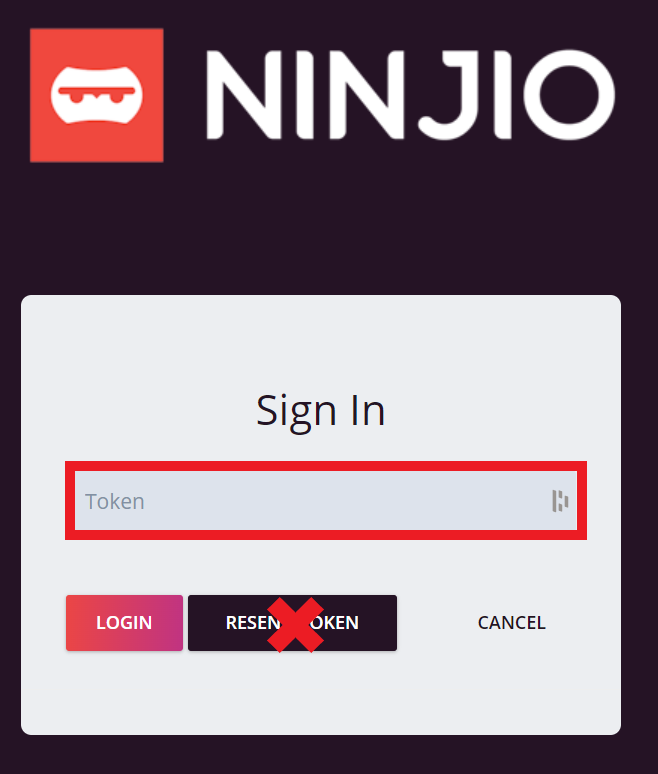 NOTE: IGNORE the RESEND TOKEN Button. It currently doesn’t function.
Enforce 2fa for Other Admin Accounts:
1. Login into https://admin.goninjio.com/ with your credentials.
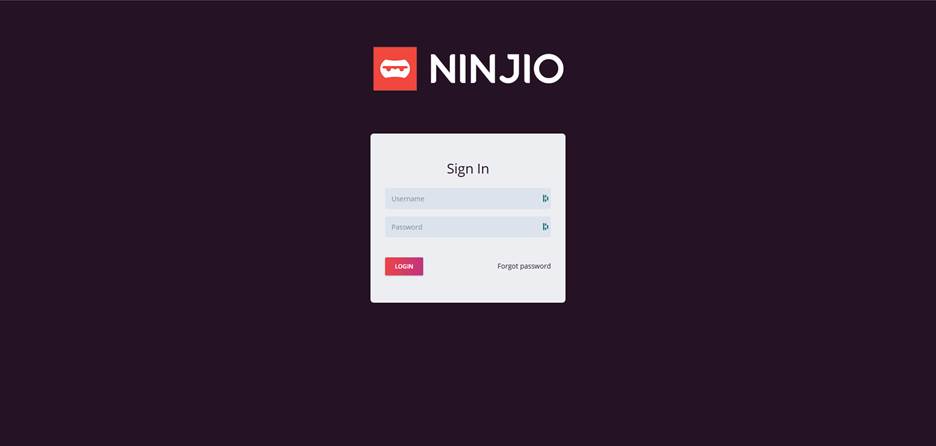
2. Once you’re within the portal, go to “Settings” in the top right corner.
3. Under the Permissions Drop-down select “Settings”. 4. Once you’re within the Permissions Settings menu, navigate to the user(s) you want to modify, and toggle the button “ON” under the “2FA” column.
 NOTE: Once this is turned ON: this will enforce admins to have to set up 2fa upon login. The admins will repeat the same 2fa setup steps as listed above.
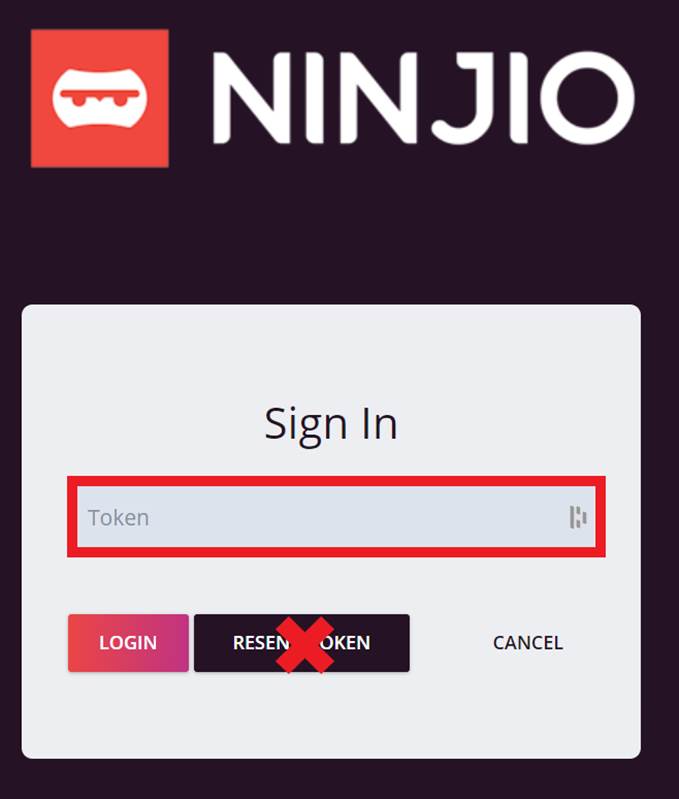
Note** IGNORE the RESEND TOKEN Button. It currently doesn’t function.
Comments
0 comments
Please sign in to leave a comment.